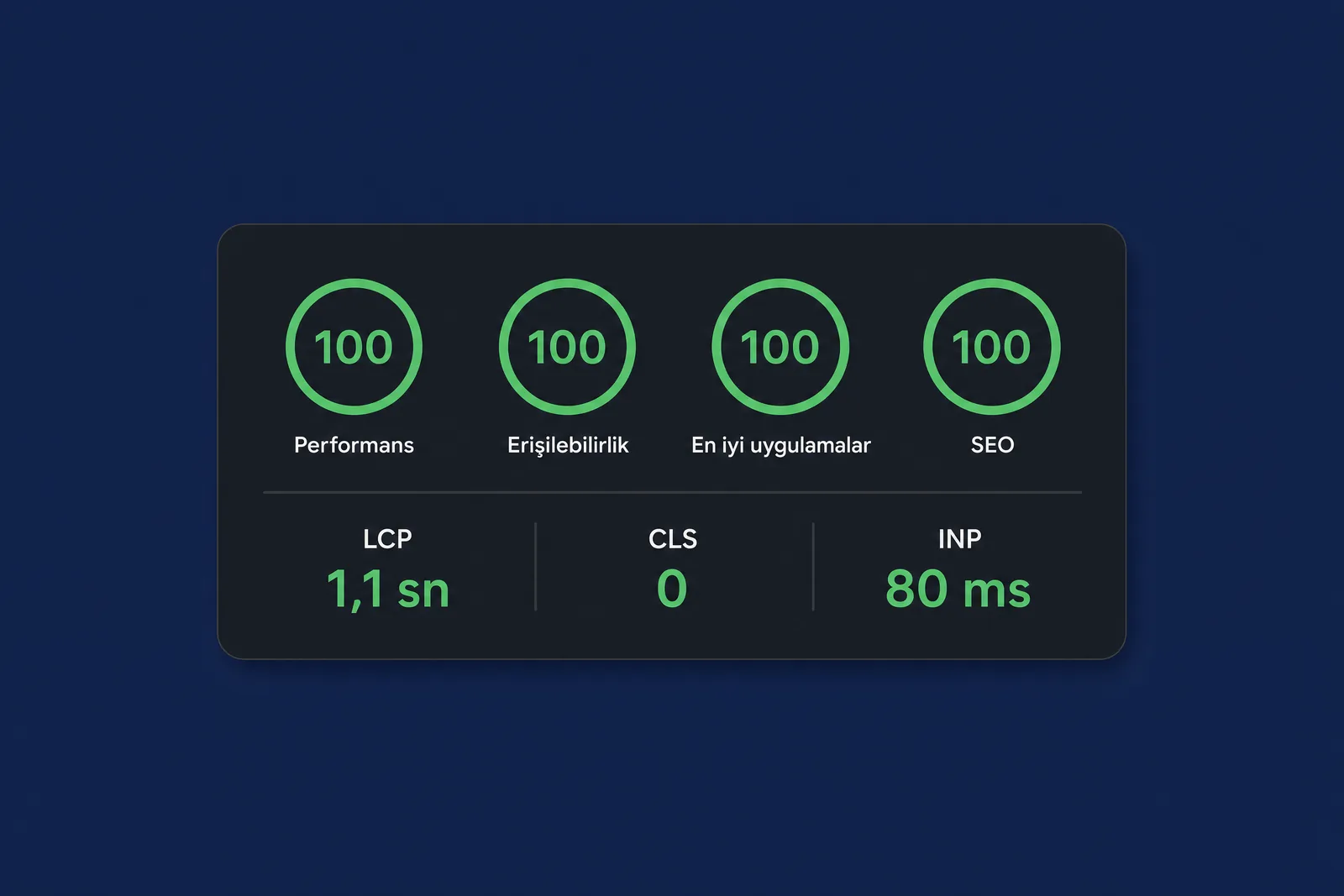
A corporate website’s Lighthouse score can be high on launch day and decline over the following months. Three things usually explain the difference: third-party scripts added later, fonts and images uploaded by the content team. We examine each, the metric it affects and what we check before launch.
The three metrics, briefly #
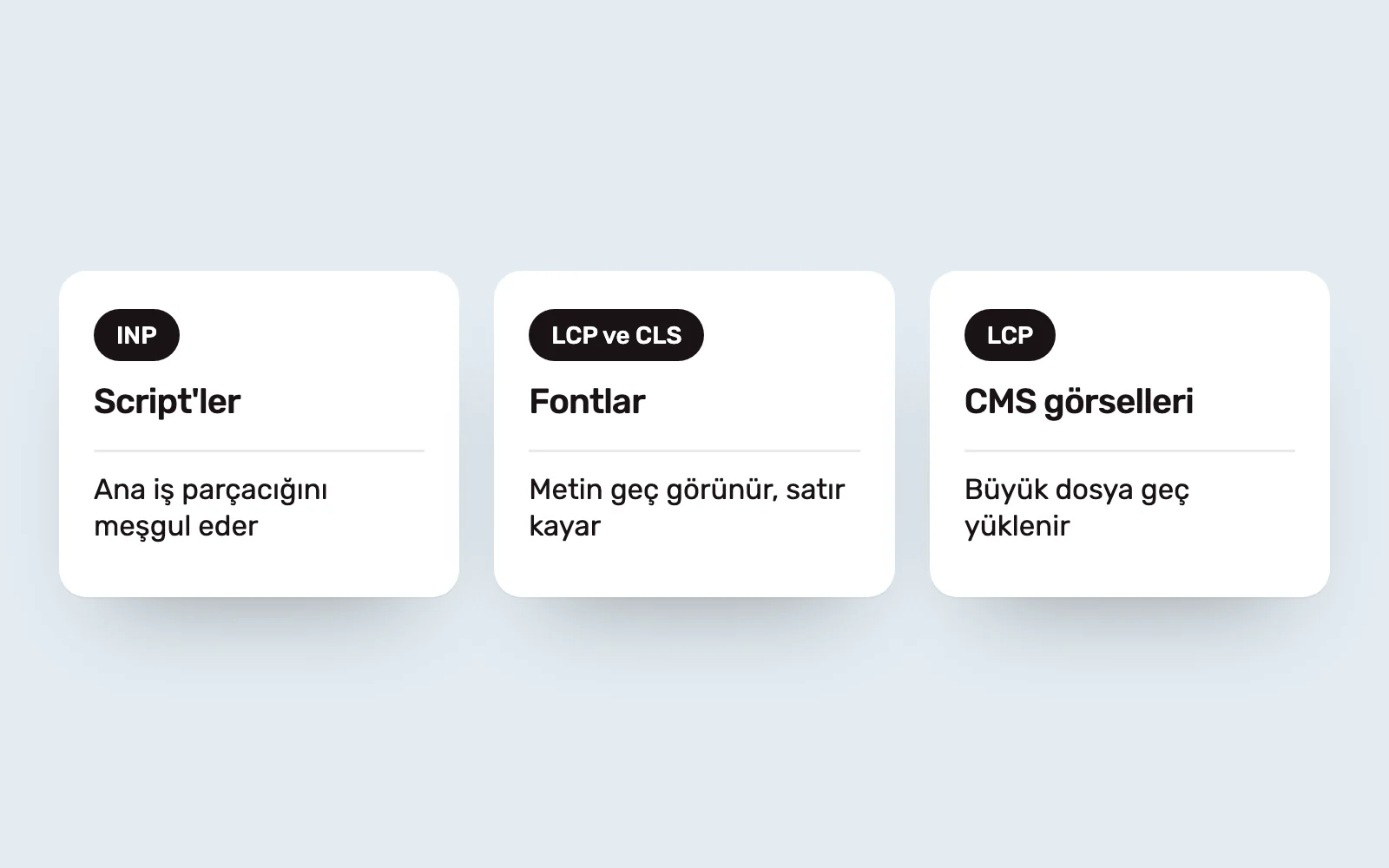
Google’s Core Web Vitals measure three things. LCP is how long the largest content element takes to appear. CLS measures how much elements move during loading. INP measures how quickly a page responds to interaction. Each of the three issues below relates to these metrics.
Third-party scripts #
Analytics, marketing tags, chat widgets and cookie notices are small individually. Together, they occupy the main thread and worsen INP. Every tag added after launch makes the list longer.
Before launch, we list every script with an owner and a reason for being there. Scripts without a reason are removed. The rest are deferred until after interaction or loaded through one tag manager. Every later addition must update the same list. This is as much a governance rule as a technical one.
Fonts #
Corporate fonts often load as large files in several weights. Text may stay invisible until the font arrives, or lines may shift when it does. The first affects LCP; the second affects CLS.
We keep only the weights actually needed, subset WOFF2 files with Turkish characters included, preload the font used in the first screen and match fallback metrics to reduce line shifts during the swap.
CMS images #
Images are optimised during design. After launch, someone uploads a large photograph unchanged and LCP suffers. The problem is the system, not the person: the CMS is not resizing images on upload.
Before launch, we configure image processing in the CMS. Every upload generates several sizes in a modern format such as WebP or AVIF. The page requests the appropriate size for the screen, and dimensions are stored to reserve space in the layout. The content team needs no extra steps.
The pre-launch checklist #
- Scripts: every entry has an owner and a reason; none is unjustified.
- Fonts: only required weights, WOFF2 subsets and preloading for the first-screen font.
- Images: automatic CMS resizing, modern formats and recorded dimensions.
- The home page and most-visited pages are measured with Lighthouse’s mobile profile.
- The same checks run regularly after launch. If scores fall, inspect the script list first.
The score itself is not the goal. The goal is a site that remains readable on a slow phone and a weak connection. Lighthouse is on the list because it is an accessible way to test this. We discuss performance alongside other criteria in what a good corporate website should deliver, and explain our process on the Web Design and Development page.
Sources #
- Web Vitals, web.dev; definitions of LCP, CLS and INP
- Optimize web fonts, web.dev; subsetting and preloading
- Lighthouse documentation; measurement methodology