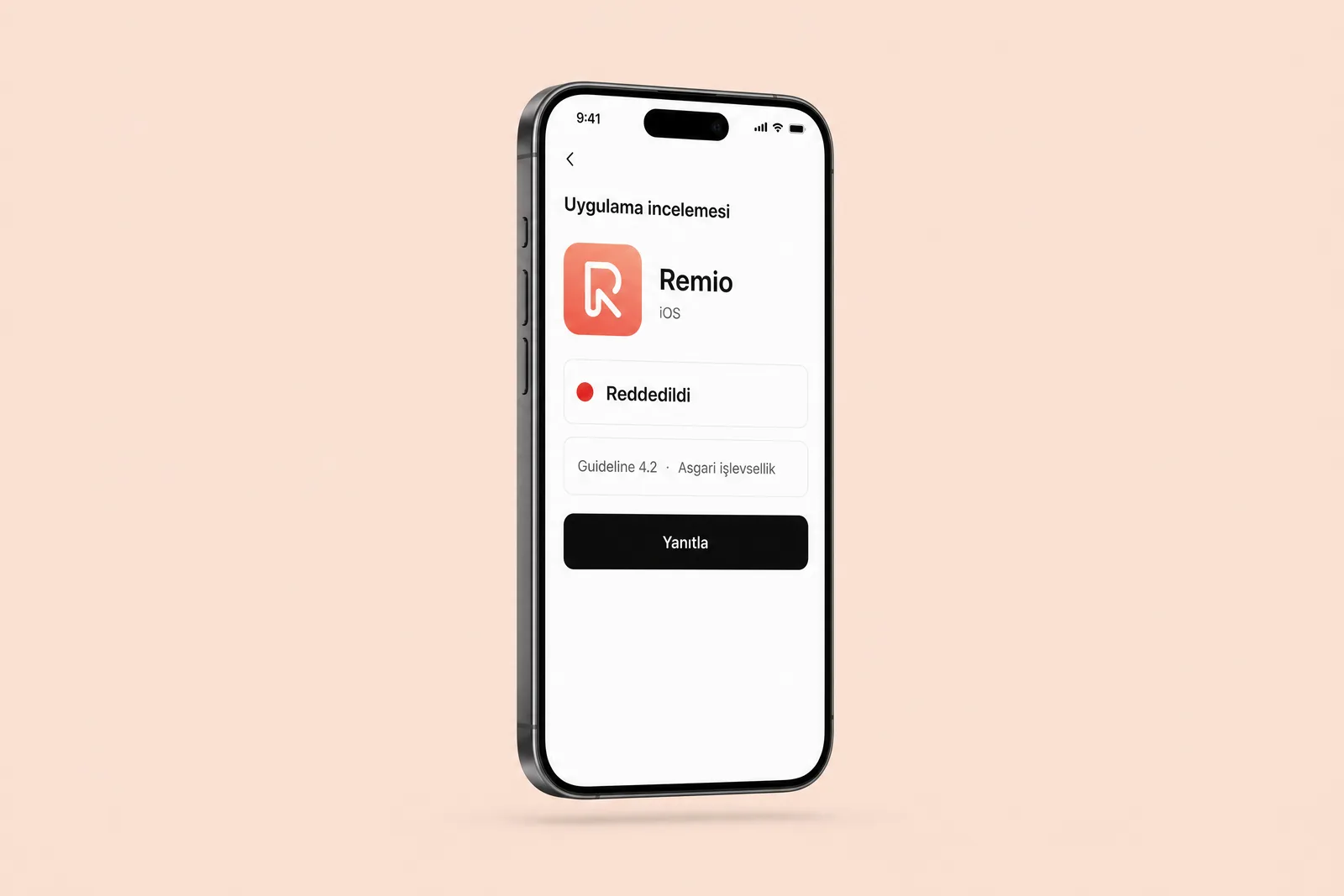
The app is ready, the store screenshots are uploaded and the team is waiting to announce the launch. Then an email arrives from the App Store: “We noticed an issue with your app.” A rejection means a fix, a new build and another review. Sometimes it means a second rejection too.
The five issues below are explicitly covered in Apple’s review guidelines, yet easy to overlook in the rush to launch. We explain the relevant rule, what the reviewer looks for and what we do before submission.
1. Account deletion is missing or hard to find #
Any app that allows account creation must also let users delete their account within the app (Guideline 5.1.1(v)). Teams often implement deletion on the server but bury the interface link at the bottom of Settings. If the reviewer cannot find the flow, the app is rejected.
We place deletion at the first level of Settings, add a confirmation step and test that the user is actually signed out afterwards. We also give the reviewer the route: Settings, Account, Delete account.
2. The reviewer cannot get past login #
The reviewer opens the app with the test account you provide. If it does not work, requires SMS verification or depends on a corporate email domain, the app may be rejected before they can see it (2.1). Internal apps are particularly vulnerable: employees sign in through the company’s identity system, and outsiders cannot create an account.
Before submission, we create a dedicated review account, disable verification steps for that account, add its credentials to the review notes in App Store Connect and keep it active until release. For enterprise apps, we also decide at this stage whether private distribution through Apple Business Manager is needed instead of a public store listing.
3. External payments instead of in-app purchases #
If you sell digital content or features, payment must go through Apple’s system (3.1.1). Teams usually know the rule; rejection comes from drawing the boundary incorrectly. External payments are permitted for physical products and services, but not for subscriptions and premium features.
At the start of a project, we list everything being sold and classify each item as physical or digital. For digital items, we plan the subscription infrastructure from the outset. Adding it later creates more work in both development and review.
4. Permission requests do not explain why #
For each permission request, such as camera, location or notifications, the system dialog shows an explanation. An empty description or a vague “the app needs this permission” can lead to rejection (5.1.1). Unused permissions cause similar problems: if an old library requests camera access, the reviewer will ask why.
We list permissions during design, write one plain-language explanation for each and request access only when it is needed. We do not ask for every permission as soon as the app opens.
5. An unfinished experience: empty screens and broken links #
The reviewer explores the app as a first-time user. An empty list with no data, a “coming soon” tab or an unresponsive support link can trigger rejection under 2.1 and 2.3. Empty states are easily forgotten even when the design and code are otherwise complete.
We design empty, loading and error states for every screen, then test with no data before submission. We check that support and privacy links lead to live pages, not a test server. We explore how these states get lost between design and code in our article on moving from Figma to a working product.
Two easily overlooked rules #
Privacy labels: if the data types declared in App Store Connect differ from what your SDKs actually collect, the app can be rejected. Analytics and crash-reporting libraries are easy to miss. Comparing the SDK list against the privacy label is a quick check.
Screenshots: store images showing features the app does not have, or only marketing copy, can also lead to rejection (2.3.3). We use real screens with short explanatory captions.
The pre-release checklist #
We check each of these before submission:
- Account deletion is easy to find in Settings and works.
- The review account is active, verification steps are disabled and credentials are in the notes.
- Digital sales use in-app purchases.
- Every permission request has a plain-language explanation; no unused permissions remain.
- Empty, loading and error states are designed, and links point to live pages.
- The privacy label has been checked against the SDK list, and screenshots show real screens.
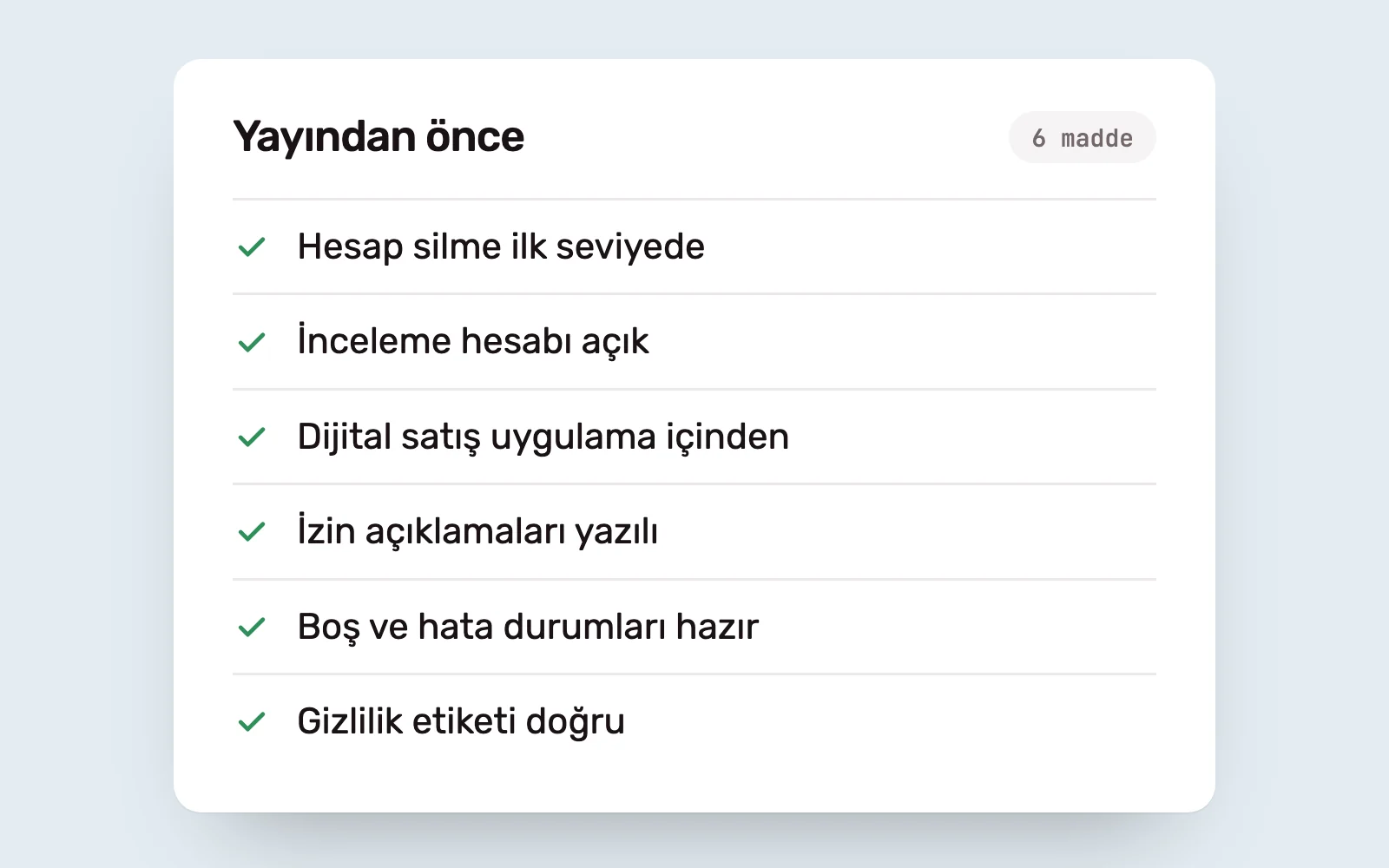
An app can still be rejected after all six checks: interpretations can vary between reviewers. The checklist rules out predictable issues. The rest calls for clear review notes and a prompt response to the reviewer’s questions.
Sources #
- App Store Review Guidelines; sections 2.1, 2.3, 3.1.1 and 5.1.1
- Offering account deletion in your app, Apple Developer; scope of the account deletion requirement
- App privacy details on the App Store, Apple Developer; data types declared in privacy labels