What a prototype is for #
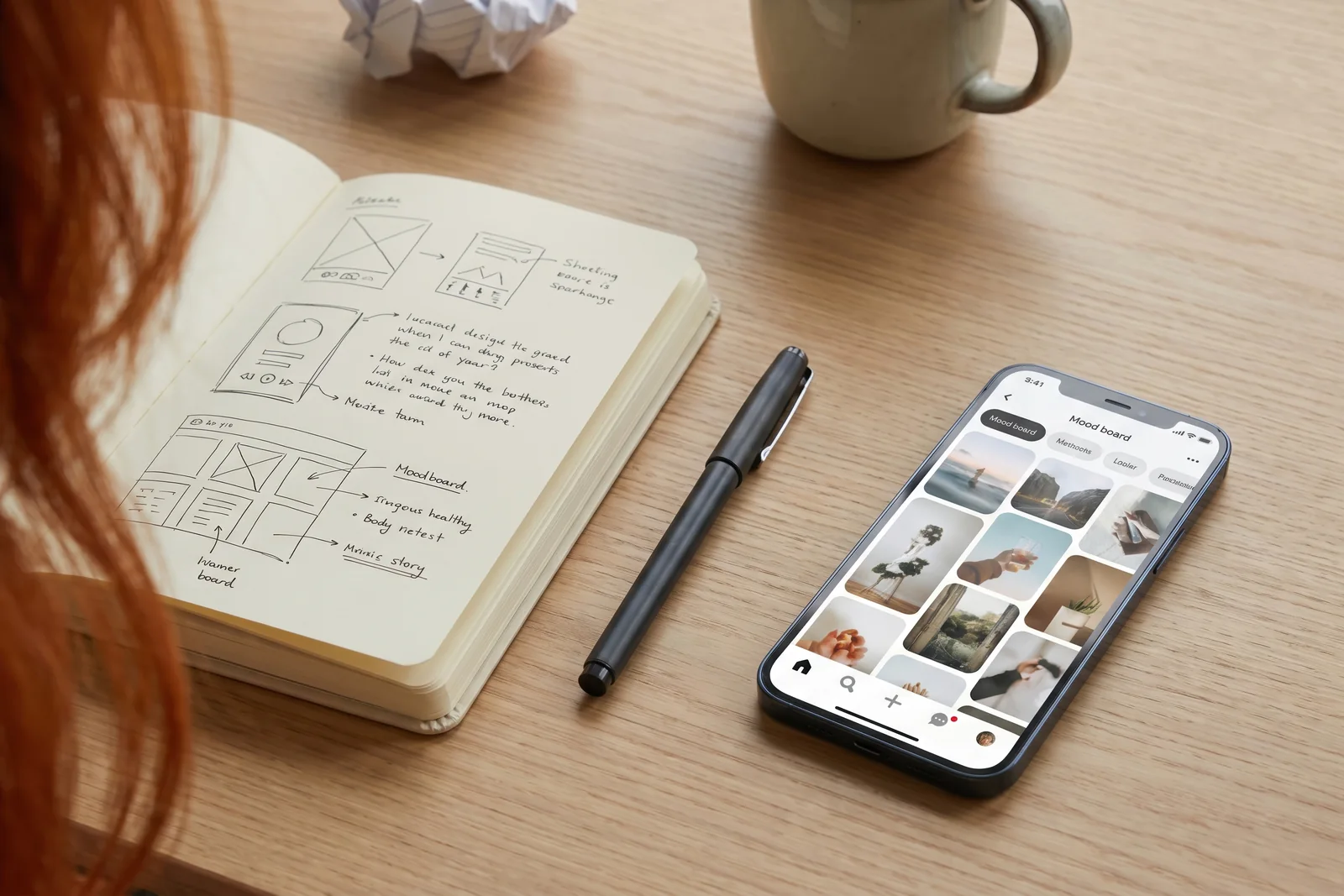
Like an artist sketching before working on a large canvas, product teams prototype before development. It is an inexpensive way to learn whether users understand an idea, where a flow breaks down and whether everyone on the team imagines the same thing.
A flow problem found during development costs much more to fix than one found in design. A screen may already have been coded, tested and released before it needs rebuilding. Prototyping brings that risk forward.
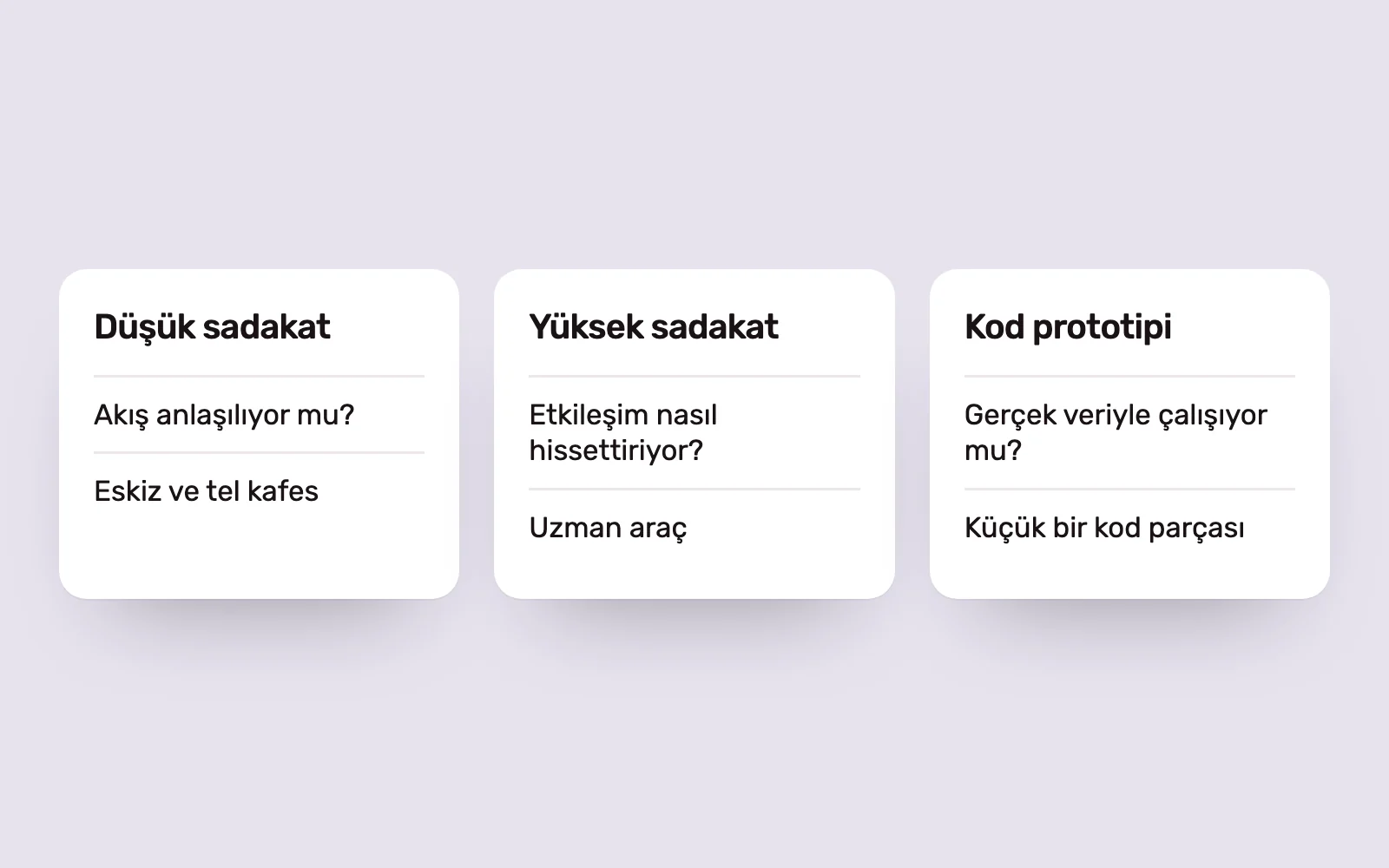
Prototypes differ in fidelity. Paper sketches and low-fidelity wireframes are enough to test structure and content order. High-fidelity prototypes show visual language, animation and the feel of interactions. Always aiming for the highest fidelity wastes time; match the level to the question.
Questions to ask before choosing a tool #
Start with the project’s needs rather than debating which tool is best. These questions clarify the choice:
- What do you want to learn: whether a flow is understandable, how an animation feels or whether data-dependent logic works?
- Who will test it, and how: remote usability testing or in person on a real device?
- What is the target platform: web, mobile, desktop or specialised hardware such as an in-car screen?
- What skills does the team have, and where are the design files?
- How will the prototype be handed to developers, and how long will it be used?
The answers usually point to one primary tool and one or two supporting tools. In most projects, expecting one tool to meet every need is unrealistic.
Figma: design and prototyping together #
Figma is the primary design tool for many product teams, with prototyping in the same file. Its official site describes interactions such as click, hover and scroll, Smart Animate transitions between matching layers and interactive components that move automatically between variants.
Variables, conditional logic and mathematical expressions support more complex scenarios. They let teams build flows where adding an item updates a basket total or changing a setting affects another screen, using fewer frames. The viewer adapts to different screen sizes, and prototypes can include media such as animated GIFs and video.
Figma also offers Figma Make, which generates working code prototypes from text prompts. AI-assisted tools can help with rapid exploration, but a designer still needs to check the result against the design system and real content.
Framer: a live website prototype #
Framer turns designs into publishable websites. The company currently describes it as a design agent working from idea to launch, combining an AI agent on the canvas, content management and publishing in one environment.
For marketing sites and landing pages, Framer shortens the distance between prototype and product. You can test scroll animation, responsive layouts and real content in the browser, then publish the same file. It is not generally the primary choice for complex app flows or mobile app prototypes.
Advanced interaction and device prototypes #
Some prototypes need to show more than screen transitions. Sensor data, communication between devices and data-driven forms fall into this group.
- ProtoPie focuses on multi-device prototyping, interaction logic, and hardware and system integration. It has Figma and Sketch plugins and offers solutions for sectors including automotive and medical technology.
- Origami Studio is Meta’s prototyping tool. Its Patch Editor builds interaction logic, with access to device capabilities such as the camera roll, haptic feedback, GPS and motion sensors. Vector and text layers can be copied from Figma.
- Axure RP focuses on functional prototypes with conditions, variables and working form fields. Its Repeater component supports sortable, filterable data tables, while flow diagrams and developer notes can remain in the same file.
These tools take time to learn. Usually one designer responsible for a critical part of the prototype uses them, rather than the whole team.
Quick sketching and wireframing tools #
Early in a project, visual detail can distract from structure. Balsamiq focuses on low-fidelity wireframes, putting structure before everything else. Stripped-back screens help stakeholders discuss content order and flows rather than colours and photographs.
Sketch is a Mac design tool that remains actively maintained. Its documentation describes prototyping with screen links, overlays, scrollable areas and fixed elements, with previews in the Mac, web and iOS apps.
Some tools common on older lists have changed. InVision’s domain, for example, now redirects to Miro. Check a tool’s current status on its official site before choosing it for a new project, to avoid a difficult migration later.
Choose the tool for the question #
We begin by writing down the question to test. For flow comprehension, low fidelity and speed matter most. To explore a microinteraction or hardware feature, we use a specialist tool. For a complex data-driven dashboard, the best prototype may be a small piece of code using real data.
Whatever the tool, a prototype earns its value through testing. Short sessions with a few real users give clearer answers than hours of internal debate. Keeping it current after testing and sharing it with developers also reduces loss between design and code.
Sources #
- Figma for prototyping, Figma; interactions, Smart Animate, variables and conditional logic in Figma
- ProtoPie, Studio XID; multi-device prototyping and hardware integration
- Origami Studio 3, Meta; the Patch Editor and device hardware access
- Axure RP 11, Axure; conditional logic, Repeater data tables and documentation