
The queue starts on the screen, not at the till.
Every second spent at the till depends on how the screen is built. Here we explain why till and operations screens slow down and what can be done without changing the software.
- AREA
- Product and experience
- WHO IT IS FOR
- Businesses using checkout, order and operations screens
- NEXT STEP
- Focus audit
In a business most sales consist of a small number of products and a few standard transactions.
The screen that slows down the till.
At peak time the line in front of the till grows. Your staff are fast, the product is ready and the customer is ready to pay. The only thing slowing down is the screen: you go through three menus to find the right product, tap four times to apply a discount and go back to the start to correct a mistake.
Why does screen design set transaction time?
Till, order and operations screens are used hundreds of times a day, always for the same transactions. On such a screen every extra tap turns into minutes and waiting customers by the end of the day. The point here is not that the screen looks good, but that the work gets done fast.
Why is it slow?
This software is usually built to suit every business, so it offers all options at the same distance. Yet in a business most sales consist of a small number of products and a few standard transactions. If you cannot reach the task you do most often by the shortest route, the screen has been built around the software's own logic, not around your business.
- ON THE SCREEN
One extra tap
- DURING THE DAY
Repeated hundreds of times
- AT THE END OF THE DAY
Minutes and waiting customers
The point here is to get the job done quickly, rather than to make the screen look beautiful.
What does it cost you?
The queue grows and you miss sales at peak time. New staff take a long time to get used to the screen, and mistakes made while working under pressure increase.
You do not always have to change the software.
Many till systems let you adjust the screen layout and shortcuts. So the first thing to look at is whether the existing software can be arranged around your business.
Where is the time lost?
In a focus audit we review the transaction you do most often step by step and show where the time is lost.
From our work.
Domino’s Self‑Service Kiosk
On a screen seen for the first time, standing, with limited time
For Domino's we designed the interface of the in-restaurant self-service ordering kiosk; the customer is seeing the screen for the first time, is standing and has little time. We split the order into five clear steps: coupon, pizza, sides, communication permissions and basket. Progress is always visible at the top of the screen; coupon, size, crust and topping options are presented without slowing the decision down.
View project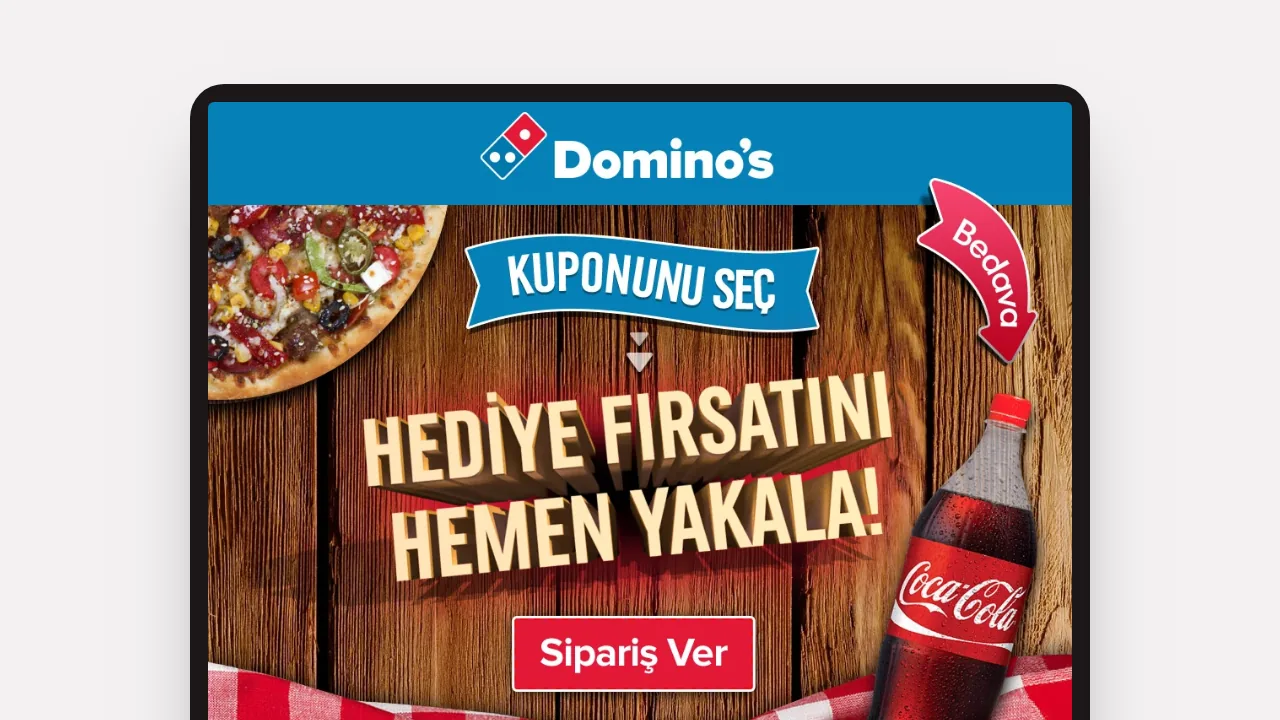
Related topics.
- You have an intranet. Does anyone use it?What sets an intranet and an employee app that people use apart.
- They came this far. Why did they leave?Why carts and application forms are abandoned and which steps to improve.
- Your website describes you. What about the visitor?Is your website built around your organisation chart? What information architecture is and how it helps visitors find what they are looking for.
The queue starts on the screen, not at the till.
See the focus audit