
UI/UX
Design.
An interface should make the next step clear. We begin with research, shape flows and information architecture, test a clickable prototype and build the interface around a design system.
The Figma files and component library are yours.
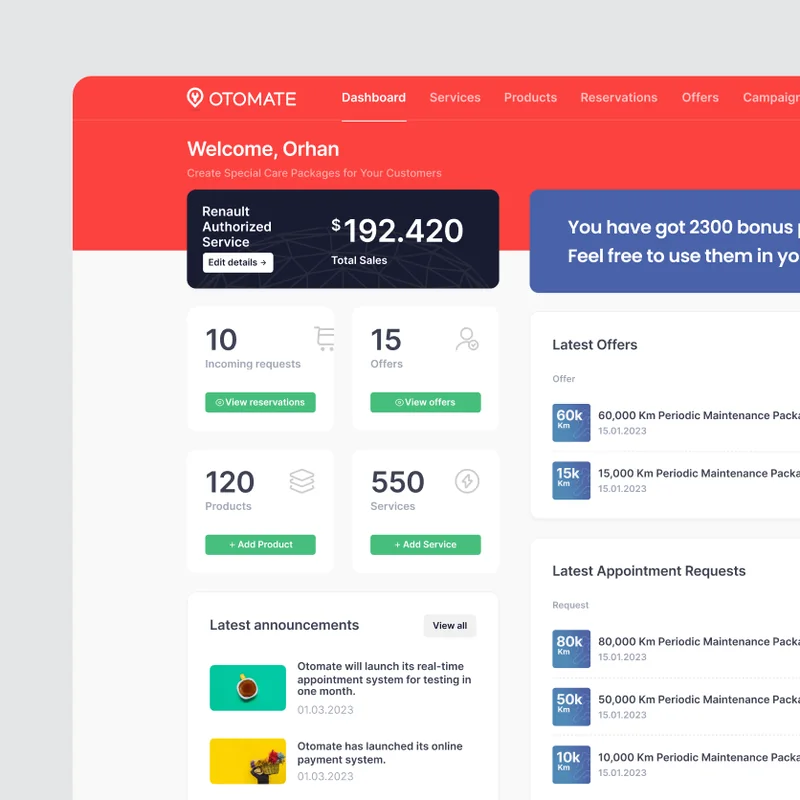
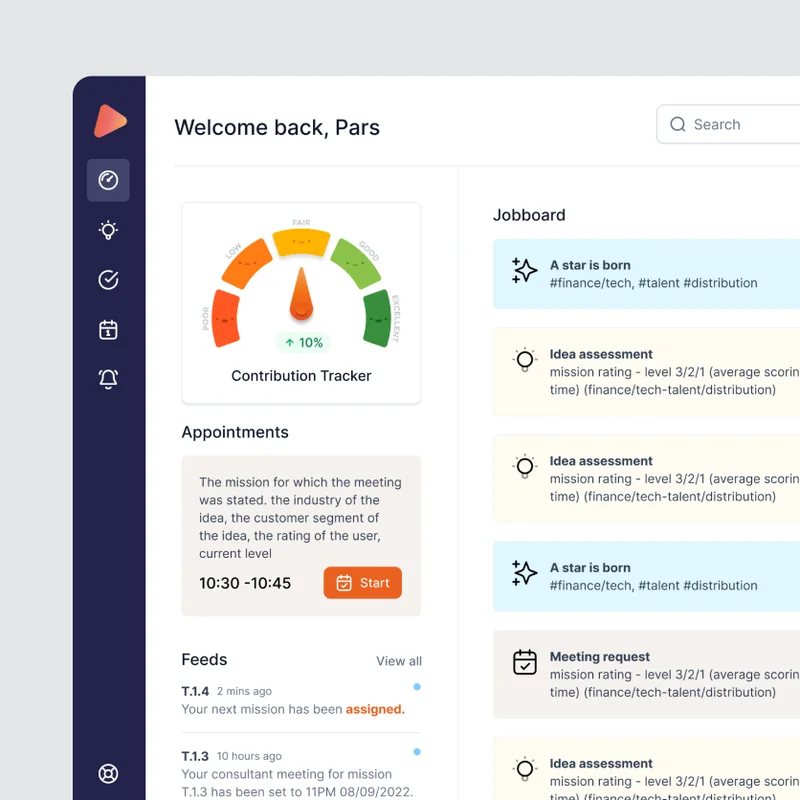
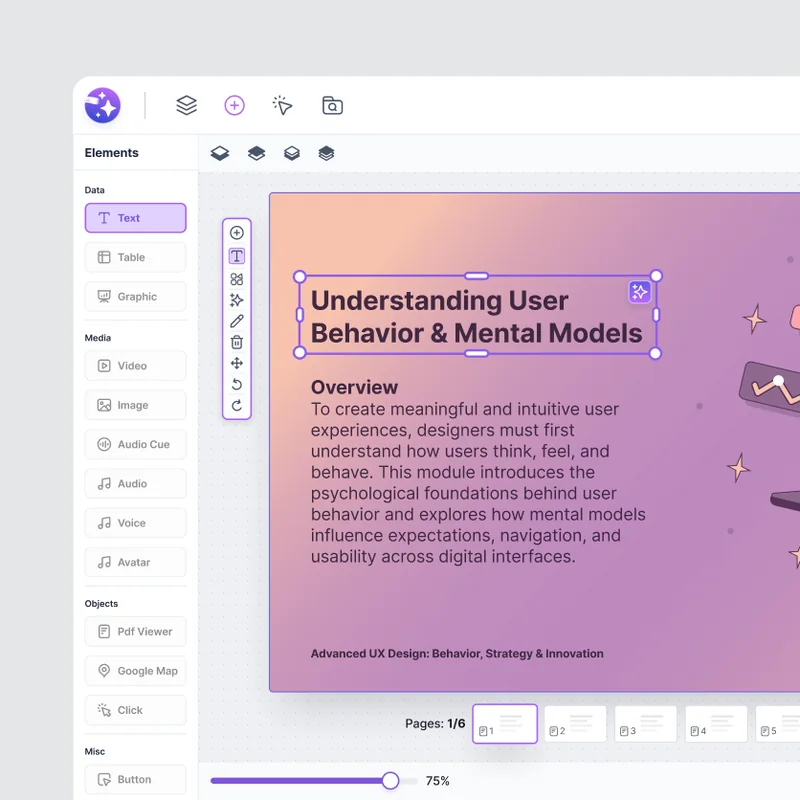
What this service addresses.
Users often struggle with the flow: information requested in the wrong order, an approval button they cannot find or a table squeezed onto a phone. UI/UX work identifies these issues with users and reshapes the product for real conditions.
For a new product, we design the experience from the beginning. For a live product, we preserve what works and make measurable improvements, starting with the most critical flows.
Who it is for.
- Teams creating the experience and interface for a new digital product
- Product teams redesigning or simplifying a live product
- Companies making internal apps easier to use in the field and at a desk
- Companies with developers that need product design support
Scope.
Each engagement is scoped to the product’s stage and the team’s needs. Deliverables, responsibilities and decision points are agreed in the proposal.
- User research and product review
- Information architecture and user flows
- Wireframes and clickable prototypes
- Web, mobile and tablet interfaces
- Component library and design tokens
- Usability testing and developer handover
Deliverables.
Test records, source files and design tokens are delivered according to the agreed scope. Files are clear enough for your team to maintain the product.
- DELIVERABLEProblem map
- DELIVERABLEUser flows
- DELIVERABLEClickable prototype
- DELIVERABLEFigma interface files
- DELIVERABLEComponent library
- DELIVERABLEDevelopment notes
What we do
User research
We use user interviews, existing data and support records to distinguish problems from assumptions.
Information architecture and flows
We clarify screen sequence, information hierarchy and the main tasks for each role.
Wireframes and prototypes
We establish the structure before visual detail, then turn it into a prototype that can be tested with real tasks.
Interface design
We design accessible, responsive web, mobile and tablet screens that reflect the brand.
Design system
We turn components, states and tokens into a shared language for design and development teams.
Usability testing
We run task-based tests on a prototype or live product and prioritise findings by impact.
Six steps from idea to launch.
Each step has a concrete deliverable, so you know what to expect and when.
Listen & research
We define the problem through interviews and existing data.
→ interview notes, problem map
Structure
We map information architecture and the main flows.
→ screen map, flow diagrams
Prototype
We test the clickable prototype with real users.
→ test report, revised flow
Design
We build the interface and component library together.
→ Figma file, component library
Handover
We deliver a complete, clearly specified handover to the development team.
→ handover document, token set
Measurement
After launch, we review the data and improve the flows.
→ usability report, improvement list
How we work.
Timing, team and deliverables: what to know before our first conversation.
- Timing
- 4–10 weeks, depending on scope
- Working arrangement
- A fixed-scope project or monthly design support for your product team.
- Team
- Product designer, UX researcher and project manager
- The first two weeks
- Interviews, a review of the existing product and a prioritised issue list.
- What you keep
- Figma files, component library and test records.
Tools we use
Design
- Figma
- FigJam
Test
- Maze
- Hotjar
Handover
- Storybook
- Design token
In focus: NavOne.
Freebird Airlines · Aviation
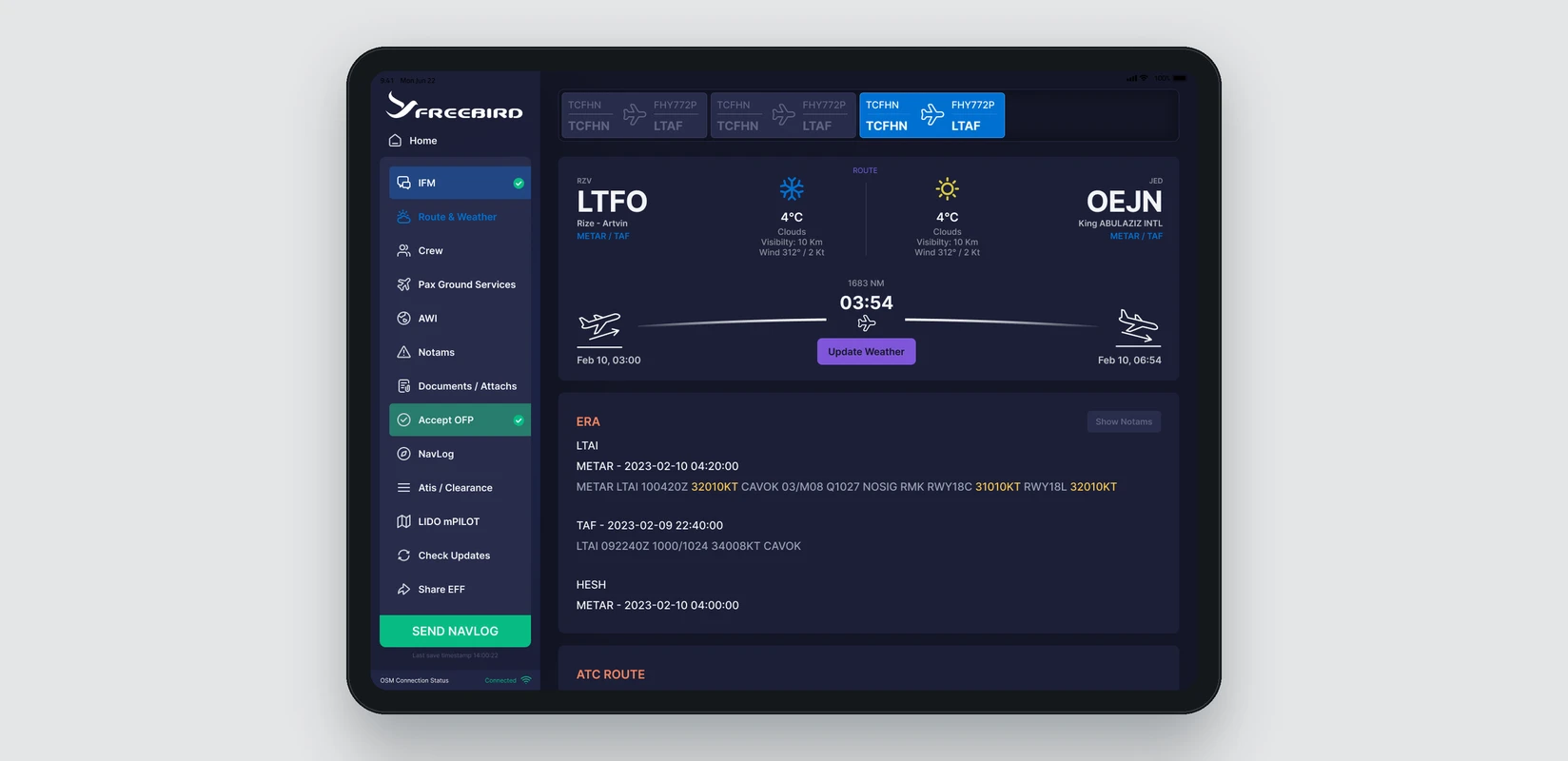
- The situation
- Pilots needed pre-flight and in-flight operational information, dense data and critical decisions brought into one tablet experience.
- What we did
- We designed a common product language for flight selection, route and weather, crew, passengers, ground services, NOTAMs, documents, OFP approval and NavLog flows. Custom alphabetic and numeric keyboards made in-flight use easier.
- The result
- Critical flight information brought into a shared navigation and visual hierarchy.
- Large, clear interaction areas suited to tablet and cockpit use.
- Design files delivered in a systematic structure the development team could implement.
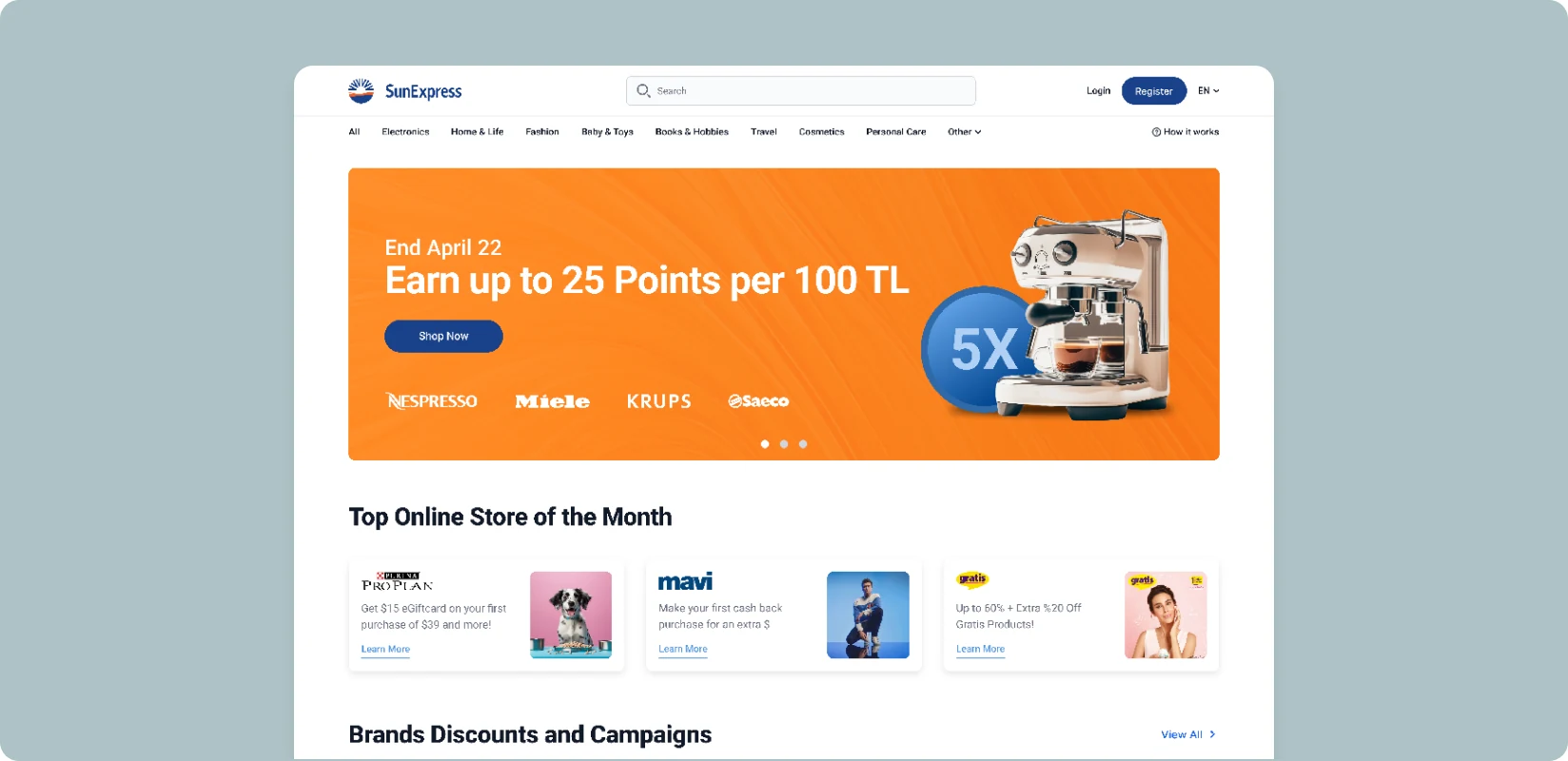
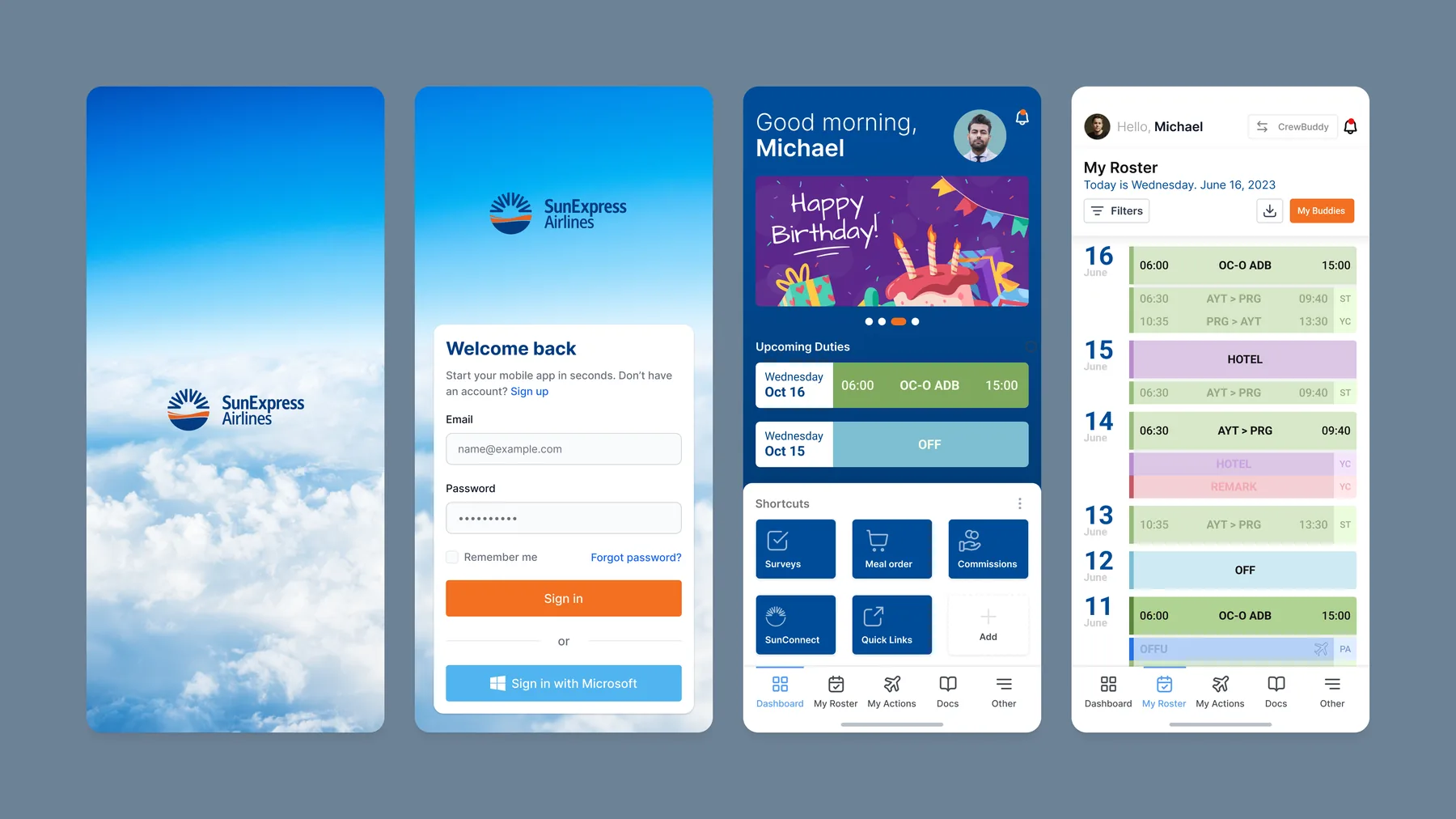
Selected interface projects
View all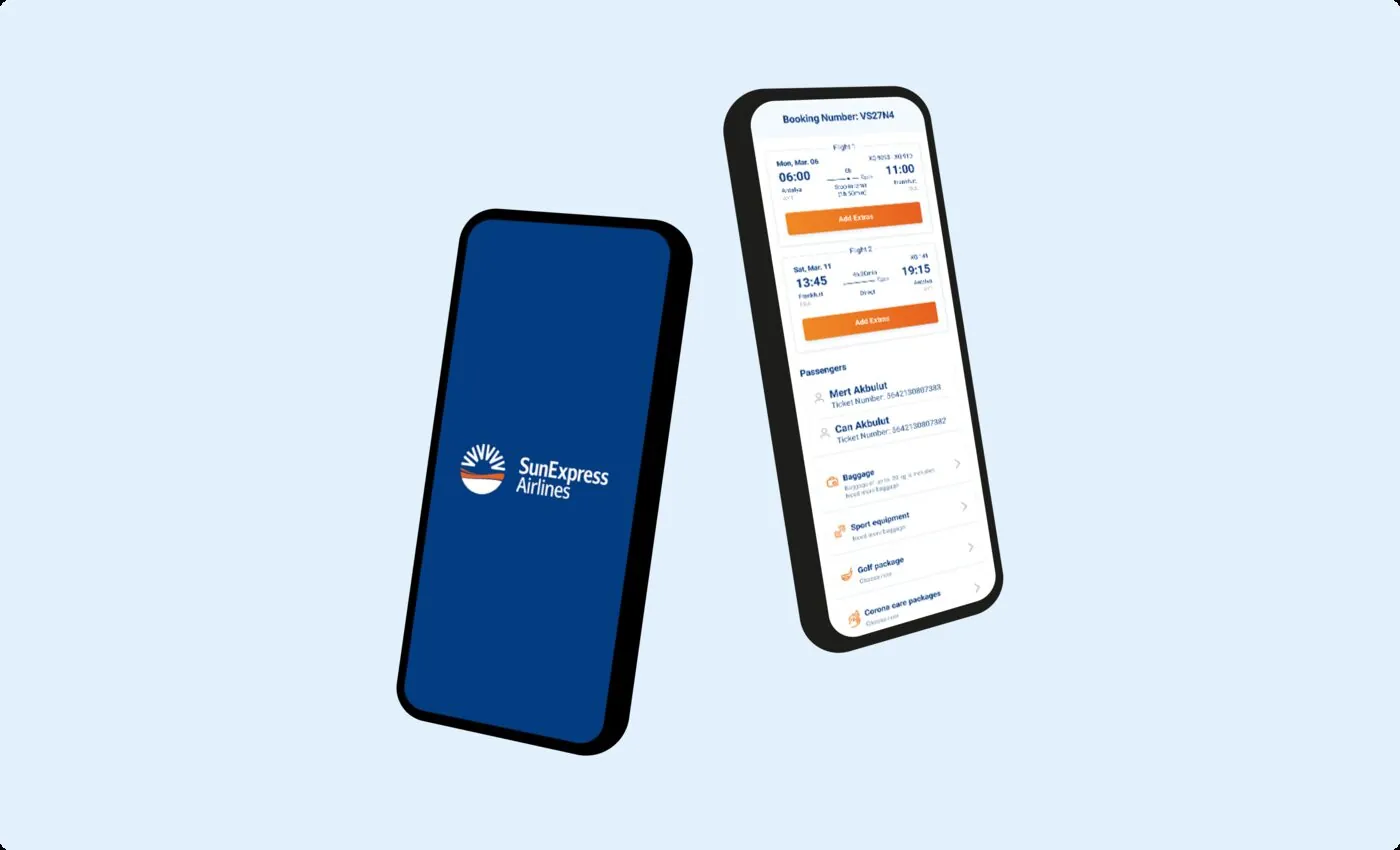
Related articles.
- What do we audit before redesigning a digital product?
- 7 questions to answer before adding AI to a product
- How good UX affects internal operations
- App Store rejection: five common reasons and how to avoid them
- Esas App: bringing five modules into one navigation system
- What needs to be ready before an investor meeting?
Frequently asked questions
Can we commission design only?
Yes. UX/UI, prototypes and design systems can be standalone engagements. If another team develops the product, we prepare states, components and implementation notes for that team to use.
Does the whole product need to change?
No. Research and audits show what works. Strong flows can stay, while problem areas are redesigned in stages according to priority and risk.
Who runs user testing?
We prepare the test plan, tasks and prototype, and agree how to recruit participants. We conduct the sessions, turn findings into product decisions and can retest critical areas.
Is a design system included?
Yes, where needed. New products receive a core component system. Larger products with multiple teams may need a separate design system engagement.
Can you design while another team develops?
Yes. We deliver Figma files, a design system and developer notes so your team or another partner can implement the work.
Can you redesign an existing product’s interface?
Yes. We first review the product and usage data, then document what to keep. The redesign can be phased.
Who conducts user testing?
We do. We select participants with you, run the sessions and share a prioritised list of findings.
How do you price the work?
We clarify the scope in our first conversation and provide a fixed-price proposal. Ongoing work can also use a monthly team arrangement.
Do you build design systems?
Yes. We build components, states and tokens in Figma and document them for the development team to use directly.
Do you consider accessibility?
We check contrast, touch targets, keyboard use and screen reader support during design. Our target is WCAG AA.