
Designed at a desk, used in the field.
Why is an app that was liked in the meeting not used in the field? Here we explain which conditions a field app should be designed around.
- AREA
- Product and experience
- WHO IT IS FOR
- Companies with a field team
- NEXT STEP
- Maturity assessment
- 1Sitting
- 2Both hands free
- 3Large screen
- 4Stable connection
- 5Nobody waiting
- 1Standing
- 2Something else in one hand
- 3Sunlight on the screen
- 4The connection drops
- 5A customer waiting in front of them
Long forms and small buttons cannot be used in field conditions.
The app that is not used in the field.
You had an app built for your field team and everyone liked it in the meeting. In the field, though, the team enters the data in bulk when they return to the office at the end of the day, and some still write on paper. Managers have to decide by looking at data that arrives incomplete and late.
What is a field app?
A field app is software that lets teams working outside the office record and manage their work where they are. It is used for work such as sales visits, deliveries, maintenance, inspections and stock counts.
Why is it not used?
Because these apps are usually designed at a desk, with a desk worker in mind. The person in the field is standing, has something else in their hand, has sunlight on the screen, loses the connection and has a customer waiting in front of them. Long forms and small buttons cannot be used in these conditions.
A field app has to be designed around place, situation and the work being done. If the app knows where the user is and which task comes next, it can suggest instead of asking, and data entry comes down to a few taps.
If the app knows where the user is and which task comes next, entering data takes only a few taps.
What does it cost you?
Data arrives late and incomplete, the same work is done twice and the field team starts to see the software as a burden. This last one is the most expensive, because it makes every software investment you make afterwards harder too.
New software is not a must.
In most field apps the functions are sufficient. What needs to change is rearranging these functions around the order of work and the conditions in the field.
Where does your app stand?
The assessment does not go out into the field. But it has two topics on how your product is designed for different devices and what you learn from users, and you get a first idea from there.
From our work.
Infini Mobil Uygulaması
A form accepted in the office, a burden in the field
In the pharmaceutical sector field representatives made many visits a day and entered meeting and order information into the system in limited time; long forms were a serious burden for a user on the move. We rethought the process around the representative's daily rhythm: choosing instead of typing, seeing instead of searching. Reporting became a natural part of the visit.
View project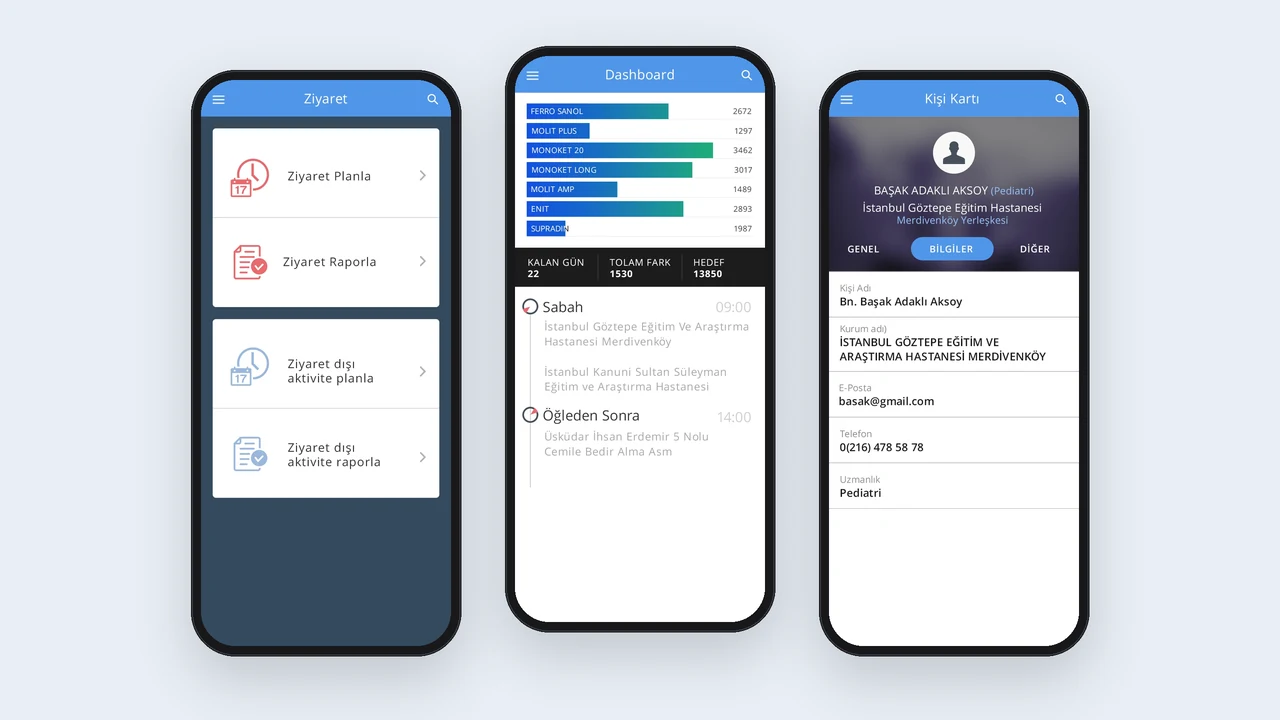
Related topics.
- Everyone added something.How to decide whether an e-commerce site needs a redesign or a tidy-up.
- Mobile is not a smaller desktop.What good mobile app design looks like and what should change on web and tablet.
- You have an intranet. Does anyone use it?What sets an intranet and an employee app that people use apart.
- How does good UX affect internal operations?
Designed at a desk, used in the field.
Assess your product