
The product is there. The customer cannot find it.
As the catalogue grows, the hard part is not selling but helping people find. Here we explain how to look at the conversion rate and where the customer gets lost in a large catalogue.
- AREA
- Product and experience
- WHO IT IS FOR
- E-commerce sites with large catalogues
- NEXT STEP
- Maturity assessment
- 01Searched for a product
- 02Found what they wantedTHE BIGGEST LOSS IN A LARGE CATALOGUE
- 03Added to basket
- 04Purchased
Other sites' averages will mislead you. What is meaningful is the difference between your own steps. The rates in the diagram are drawn as an example.
The right product in a large catalogue.
Your site has thousands of products. The customer knows what they are looking for, and you know that product is in stock. But the customer gets lost somewhere in between: they enter the wrong category, the filters do not help or the search box returns nothing. In the end they either phone you or go to another site.
What should the conversion rate be?
There is no single right number. The rate varies widely with the sector, the price of the product and where the visitor came from, so comparing yourself with other sites' averages will mislead you. What is meaningful is comparing your site with its own past and with its own internal steps: how many people searched for a product, how many found it, how many added it to the basket.
Where does the problem appear in a large catalogue?
As the catalogue grows, the real problem stops being selling and becomes the customer finding the product. Products are arranged by the company's own classification, while the customer searches by need. Choosing the right product among technical dimensions, codes and hundreds of similar options takes expertise, and the customer usually does not have it.
This is not visual decoration, it is information architecture. When you rebuild categories, filters and search in the language the customer uses, the same products sell more at the same prices. In some cases a helper that asks the customer a few questions and leads them to the right product does better than dozens of filters.
- 1Product group 3 / Type II
- 2Model code
- 3Technical metric
- 4Series name
- 1What will you use it for?
- 2Which model should it fit?
- 3What is your budget?
When categories, filters and search speak the customer's language, the same products sell more at the same price.
What does it cost you?
The visitor you brought in with advertising leaves without finding what they wanted, so part of your advertising budget is lost inside the site. Your call centre also turns into a product-finding line.
You do not have to change the platform.
Findability problems can usually be solved on the existing platform by changing the category structure and the filter logic.
Where does your website stand?
The assessment has two topics called information architecture and critical flows. There you will see whether your catalogue structure and purchase steps depend on rules or on habit.
From our work.
Atlas Kırtasiye
Reaching the right product among thousands
Atlas Kırtasiye offered a very large catalogue in a single store; the existing interface was not good enough at getting visitors to the right product. We made the category structure clear, made the filters more prominent and set up a home page layout that presents campaigns without them competing with each other. From basket to payment every step works with the same form and component system, and the basket summary is always visible at the critical steps.
View project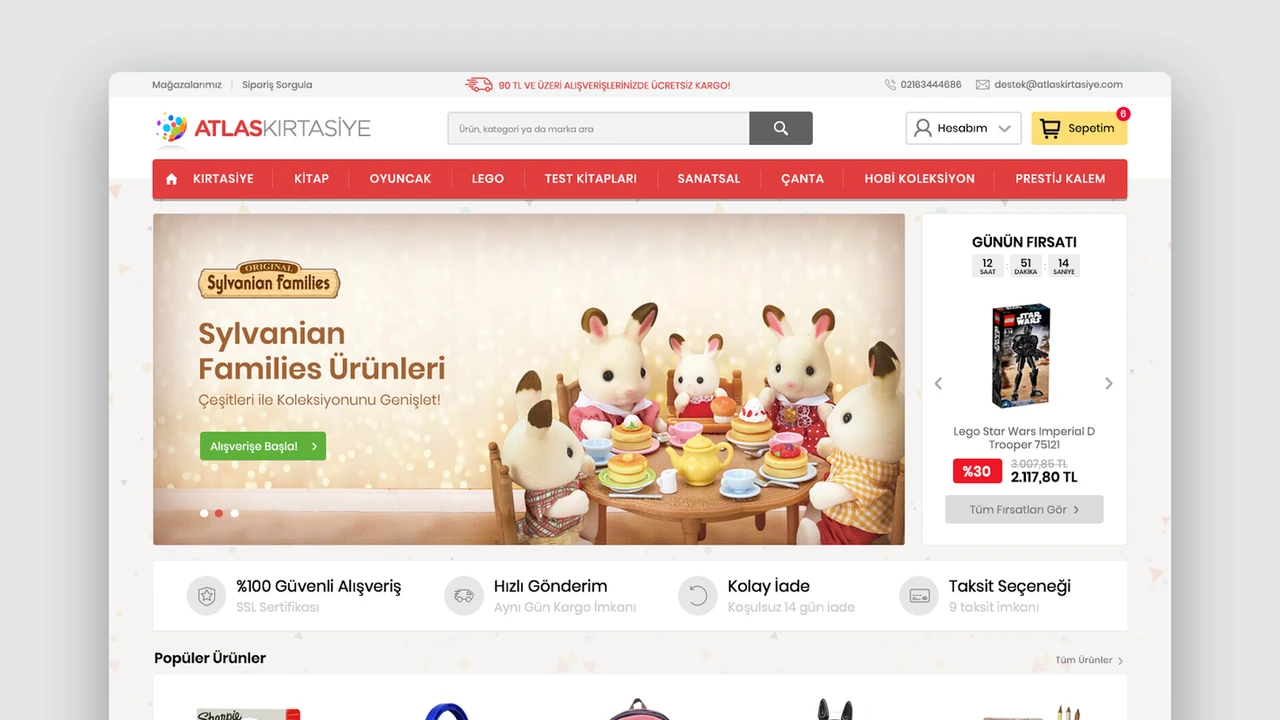
Related topics.
- It does everything. Nobody can find it.How to build a good dashboard and management panel.
- Your product is strong. Can your website explain it?Your product is strong, but your website cannot explain it. What a corporate and B2B website should be and what it should say first.
- Everyone added something.How to decide whether an e-commerce site needs a redesign or a tidy-up.
The product is there. The customer cannot find it.
Assess your website