
Social media design system.
Do your posts look a little different every week? We prepare a template set and usage rules for your post types. Logo, colour and typeface stay locked in the template, and your team produces posts by changing only the text and image.
Tell us which platforms you post on and the post types you use regularly.
- DURATION
- Usually 2‑4 weeks
- SCOPE
- Templates for your post types
- TOOL
- Figma or Canva
- DELIVERABLE
- Template files and usage guide
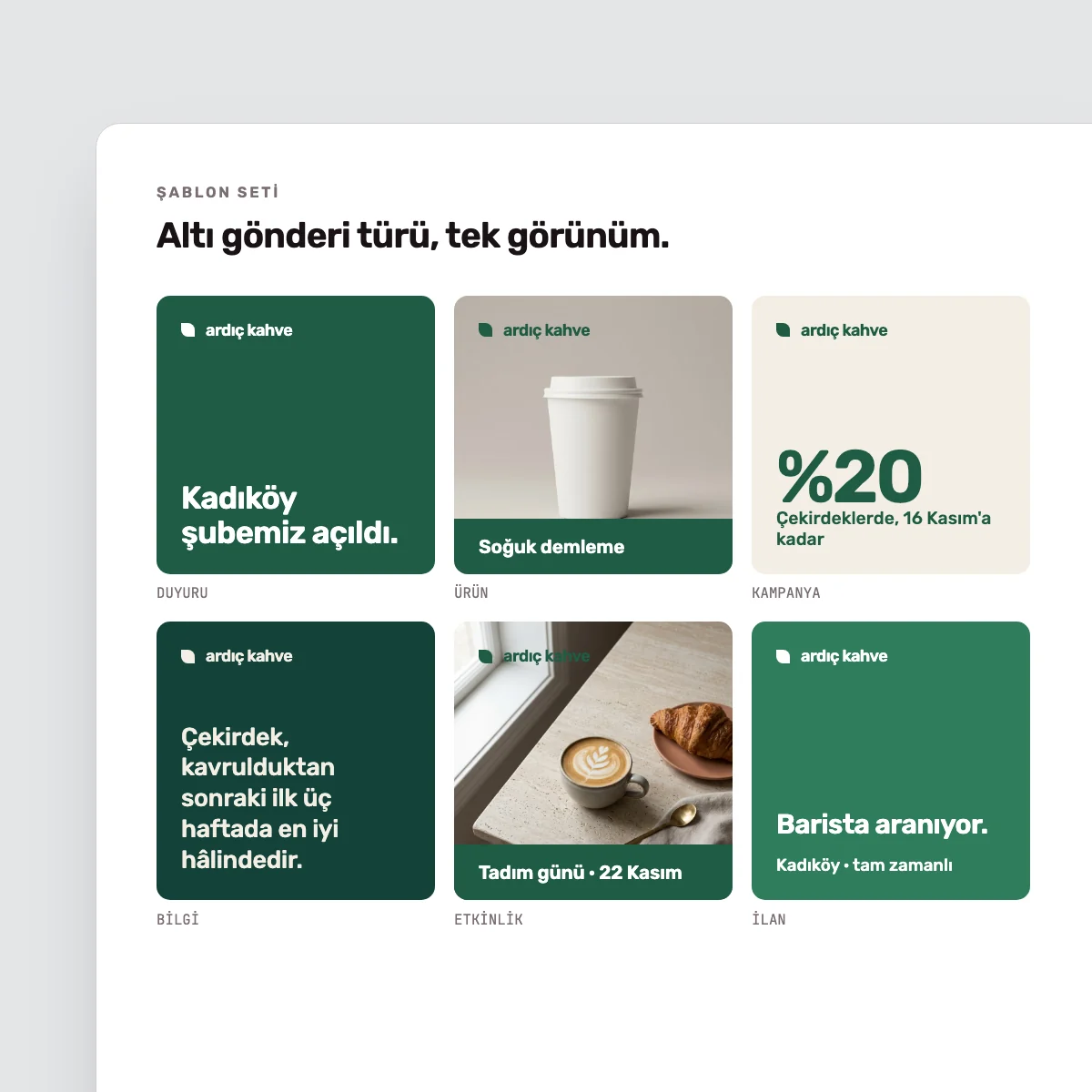
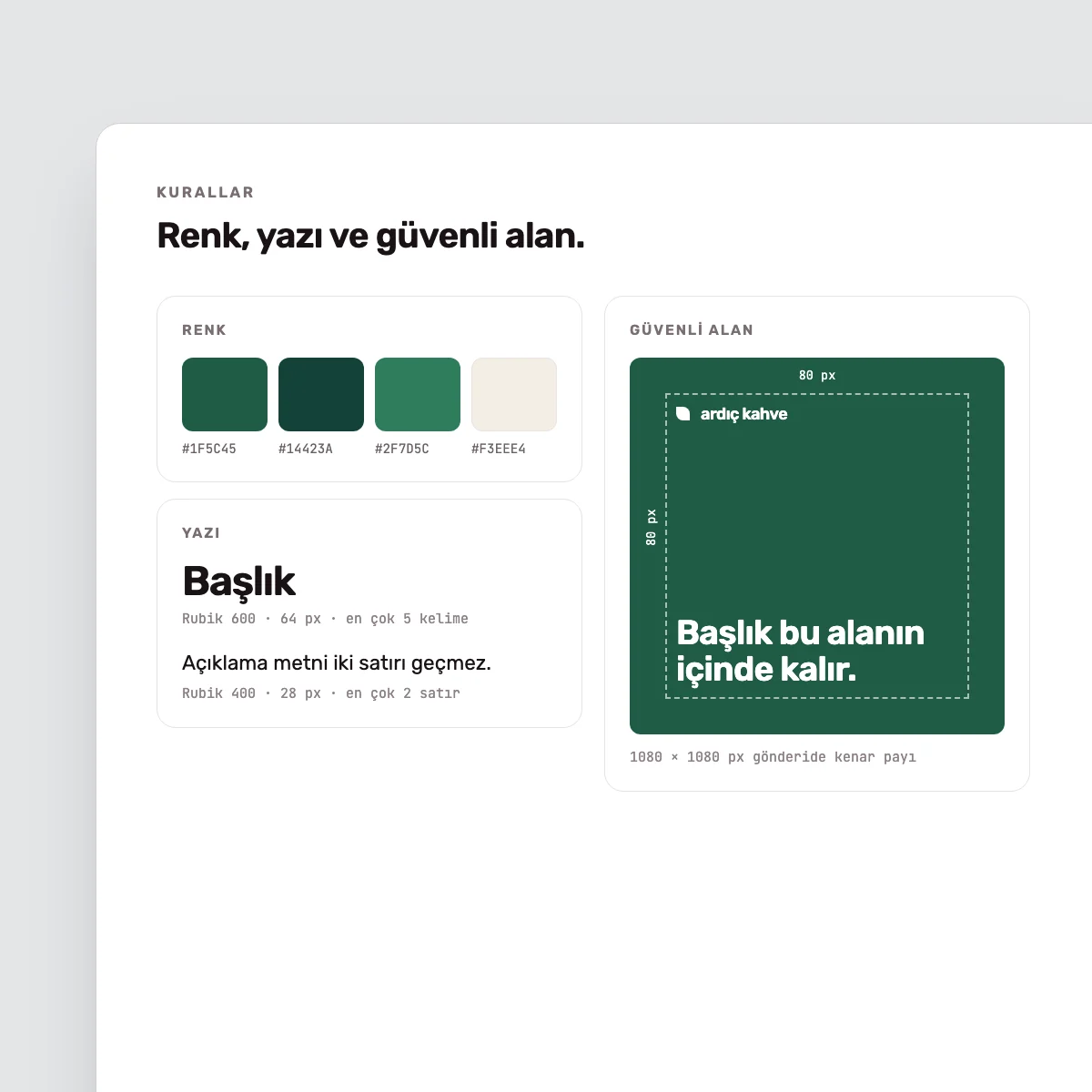
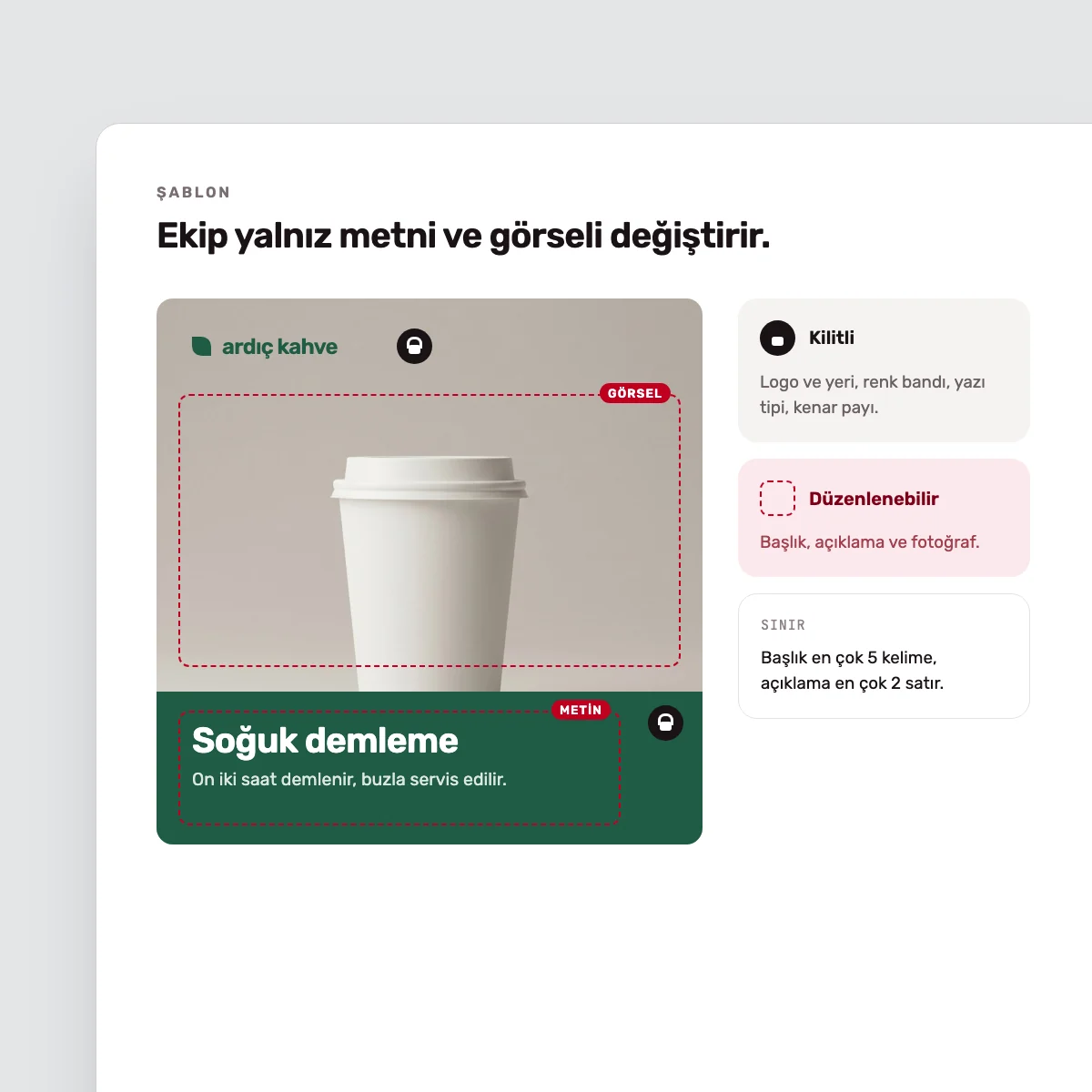
Sample template pages. The brand shown is fictional.
What this service addresses.
When every post is designed from scratch, production slows down and the account looks a little different each week. Identity guidelines define the logo and colours, but rarely say how an announcement, a product post or a story should be built.
In this work we identify the post types you use regularly and design a template for each. Brand elements are fixed in the templates and editable areas are marked. The usage guide explains which template to use when, and limits such as text length.
Who it is for.
- Teams that produce their posts in-house
- Brands whose social media audit showed a need for templates
- Companies that want the same look even when the agency changes
- Structures where branches or dealers post for themselves
Scope.
The scope is as below. The number of templates is confirmed in the first call according to your post types.
- Identifying post types
- Post, story and cover templates
- Colour, typography and imagery rules
- Locked and editable areas
- Usage guide
- Sample posts
What the template set includes.
Process.
- 01We review your accounts and recent posts and list the post types.
- 02Staying within the identity guidelines, we define colour, typography and imagery rules for social media.
- 03We show the design direction on a few post types and, once approved, extend it to the full set.
- 04We build the templates in Figma or Canva with locked and editable areas.
- 05We deliver the usage guide and run a walkthrough session with your team.
Deliverables.
The template files are set up in your own account and stay with you.
- DELIVERABLETemplate set
- DELIVERABLEFigma or Canva files
- DELIVERABLEUsage guide
- DELIVERABLESample posts
- DELIVERABLEWalkthrough session for the team
If you want to see where the account stands today, a social media audit can come first. That report sets out which post types need a template.
Afterwards.
The template set stands on its own. Your team can produce the posts, or we can take the work on through the services listed here.
Frequently asked questions.
We use Canva. Can the templates be built there?
Yes. We build the templates in the tool your team uses. In Canva the brand elements are locked and your team changes only the permitted areas.
Can this be done if we have no identity guidelines?
Yes, if your logo and core colours are settled. We define the rules needed for social media within this work. If the identity as a whole is unsettled, logo and identity design or a brand refresh needs to come first.
Will you prepare the posts as well?
This work covers the templates and rules, and includes sample posts. For regular post production we can continue with a design subscription.
Are video and animated posts included?
The set covers static post, story and cover templates. Video covers and animated templates are added to the scope when needed.
Related services